Complete Overhaul Mod for GTA V

GTA V Redux

Rebuilt weather, textures, and effects with ReShade, plus a reworked police system, weapons, population, vehicles, and physics.

Video

See the Difference

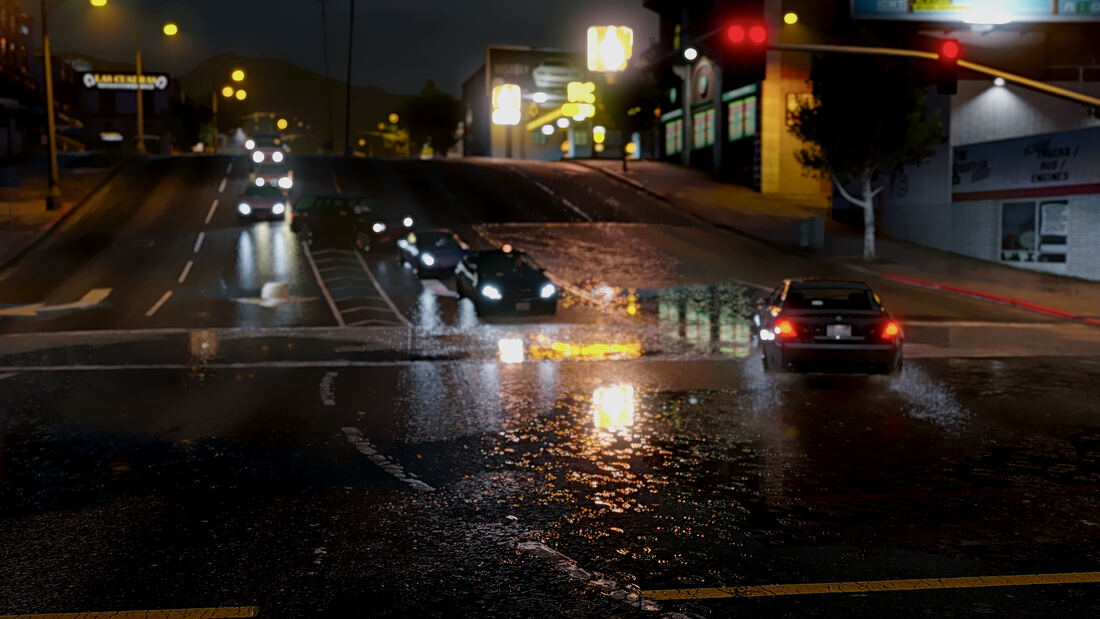
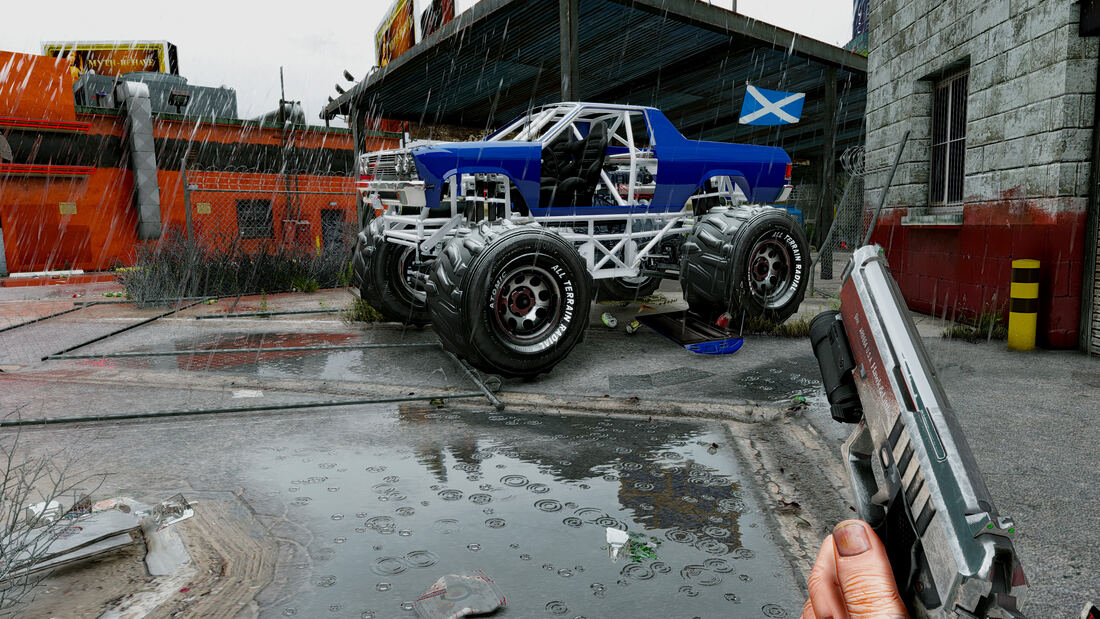
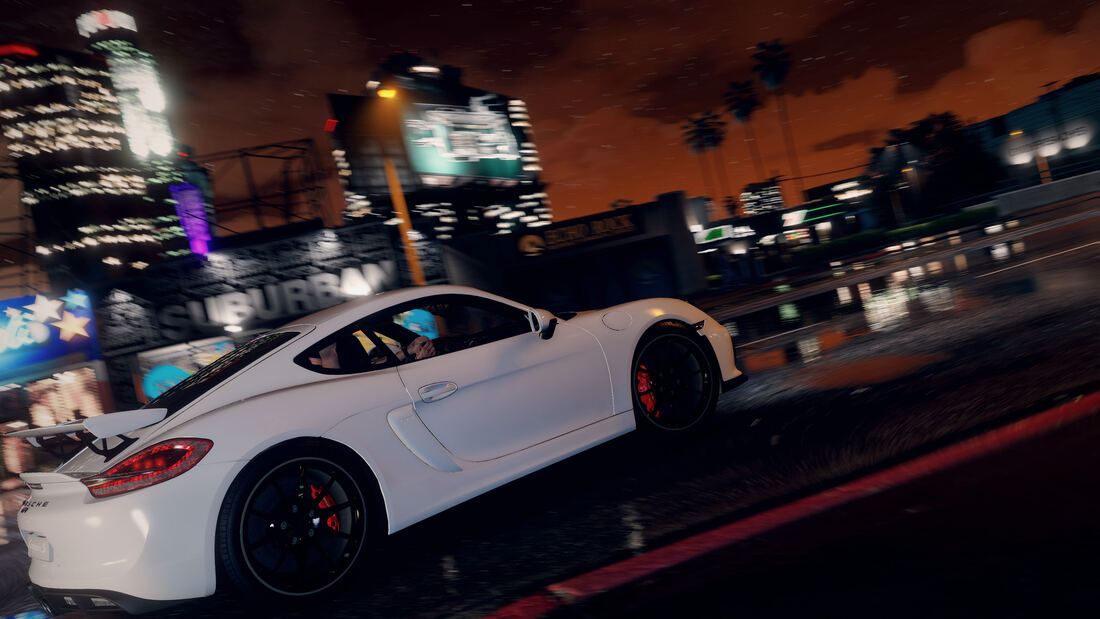
Rain-Slicked Streets
Weather
Rain-Slicked Streets
Rebuilt wet-weather reflections and lighting at night.
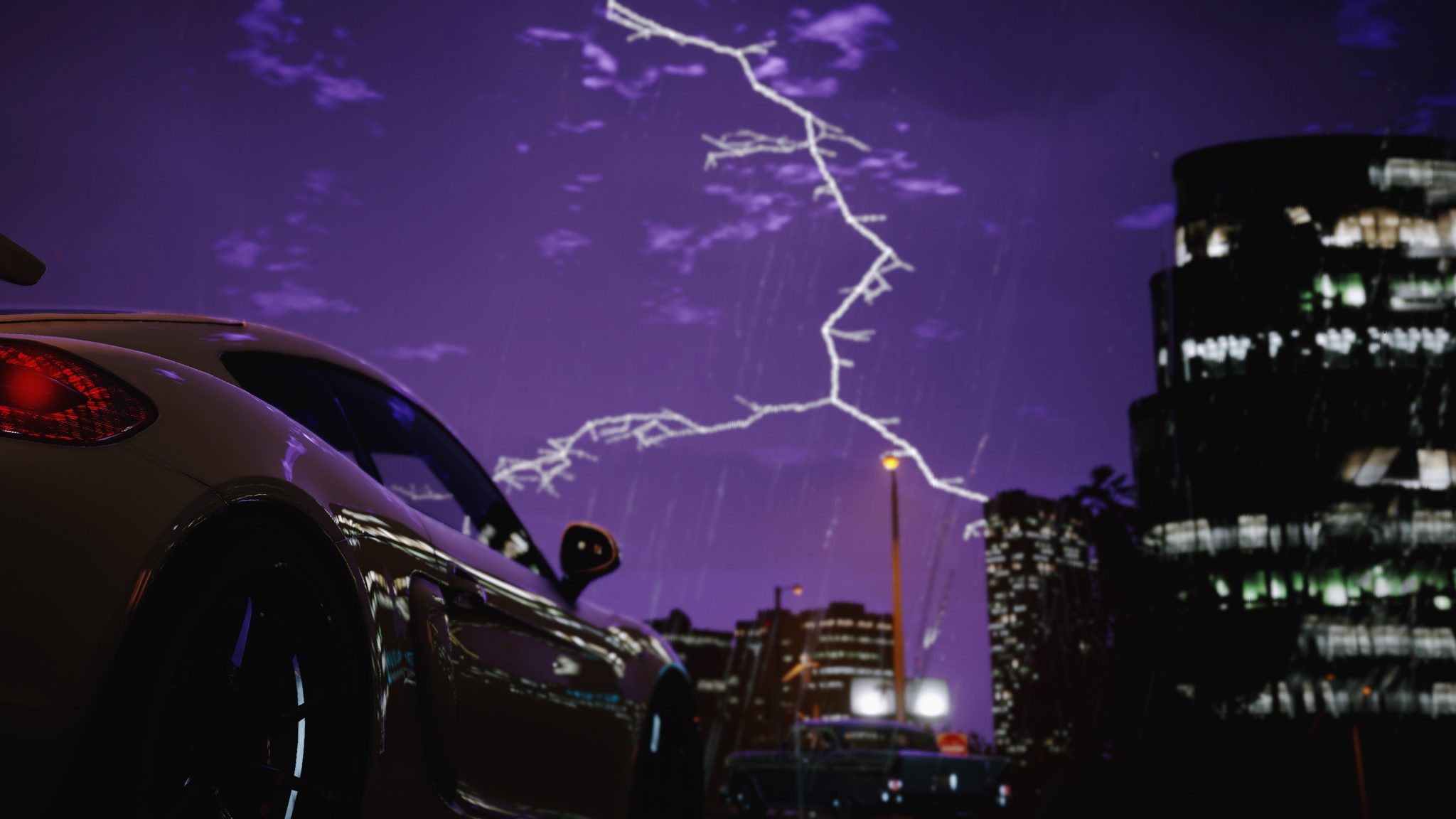
Storm Overhead
Weather Effects
Storm Overhead
ReShade effects during a lightning storm.
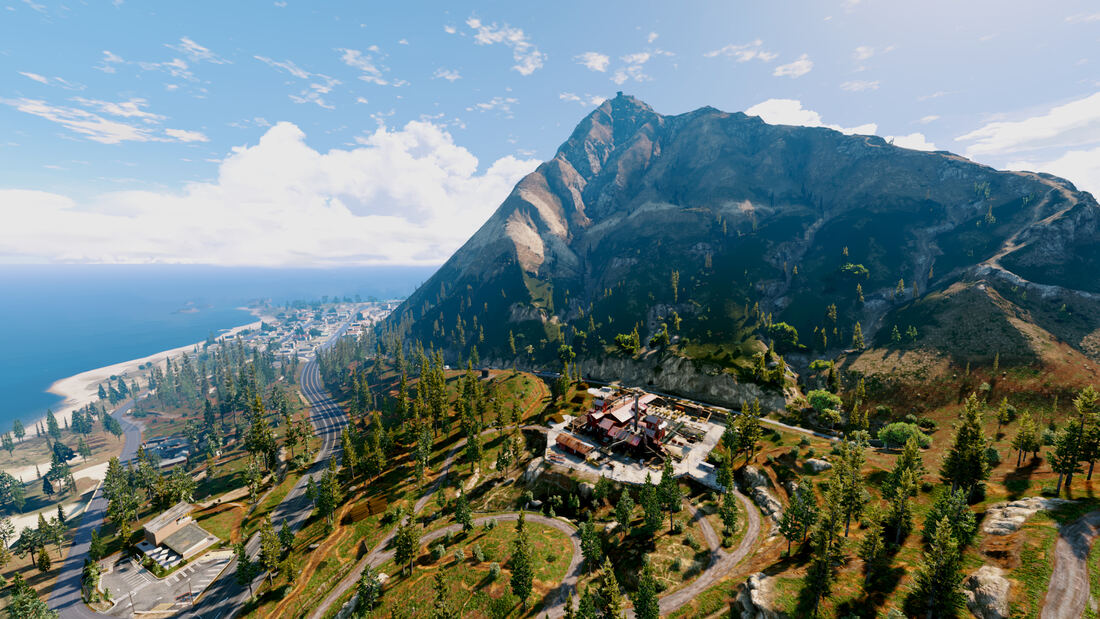
Blaine County
Textures
Blaine County
Rebuilt terrain and vegetation textures across the county.
Griffith Observatory
Vehicles
Griffith Observatory
Reworked vehicle handling and physics.
Golden Hour
Effects
Golden Hour
Rebuilt lighting and atmospheric effects.
Los Santos From Above
Population
Los Santos From Above
Reworked population and pedestrian AI across the city.
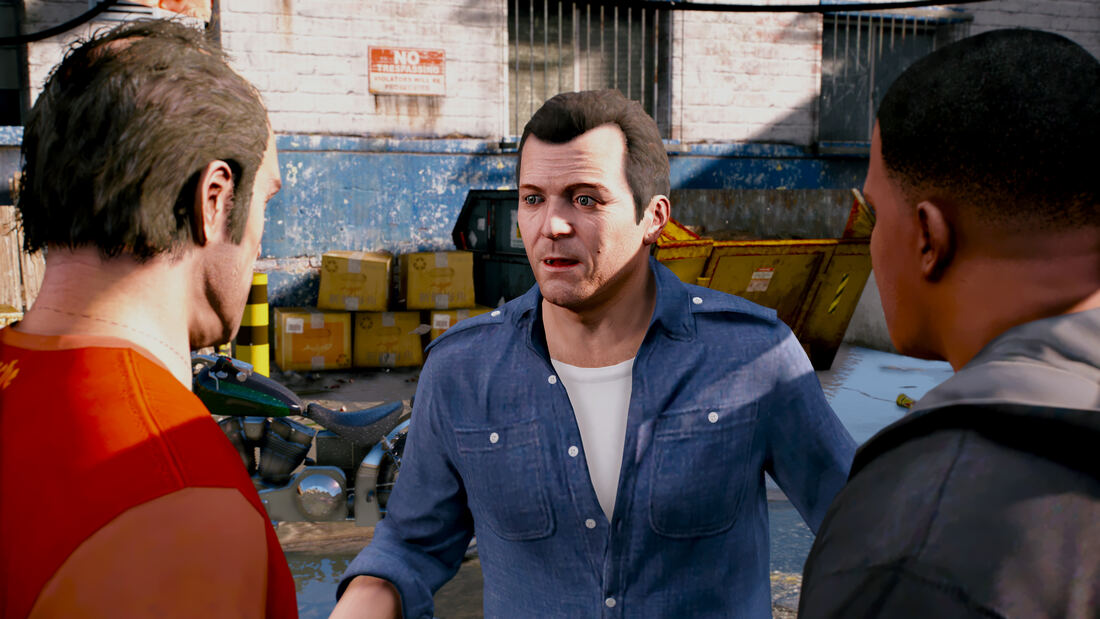
Story Mode
Population
Story Mode
Rebuilt character models and lighting for story-mode cutscenes.
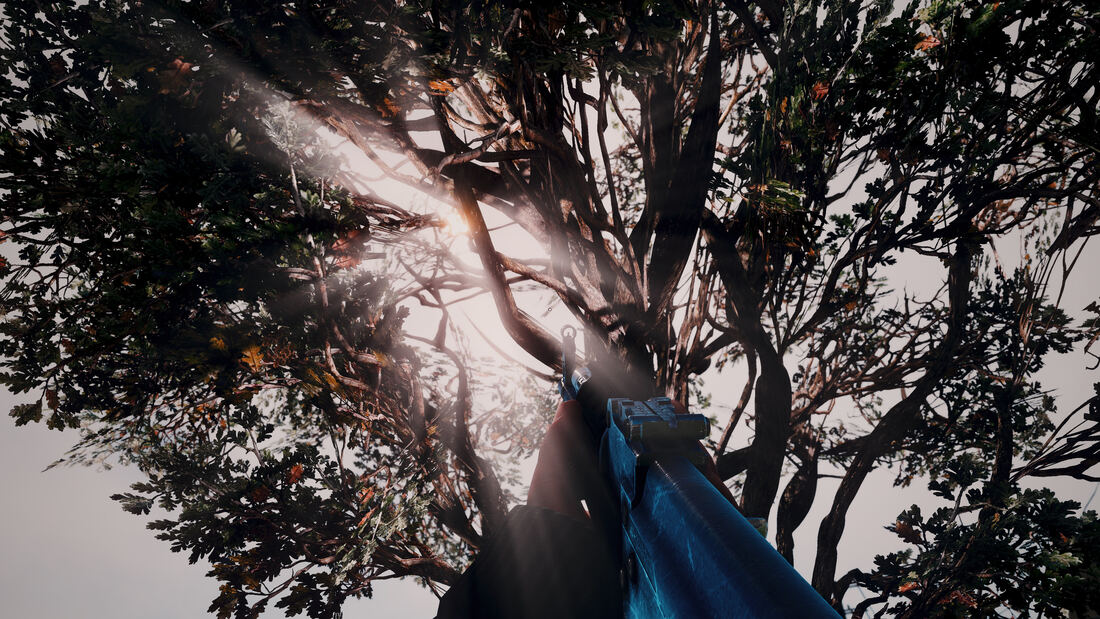
Rooftop Standoff
Effects
Rooftop Standoff
Reworked weapon models and volumetric lighting.
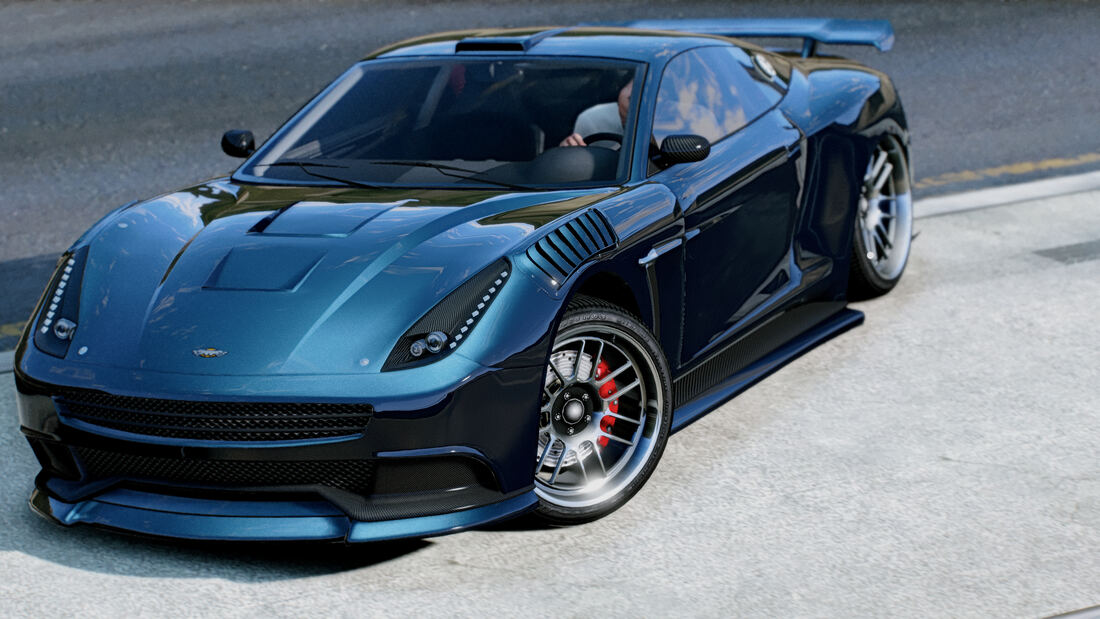
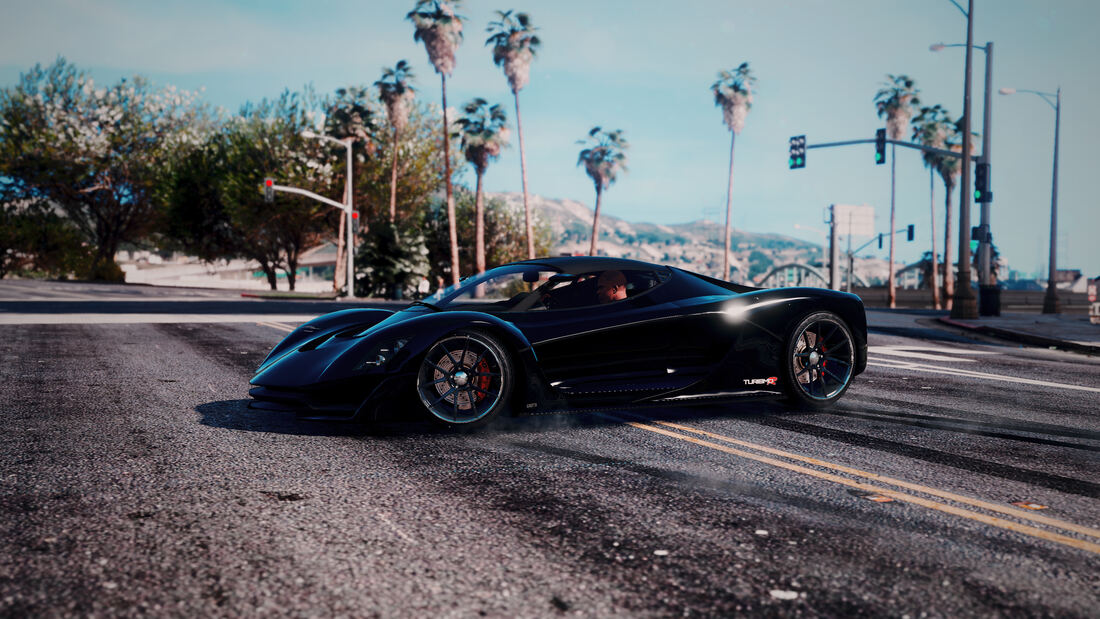
Blue Steel
Vehicles
Blue Steel
Reworked vehicle paint shaders and reflections.
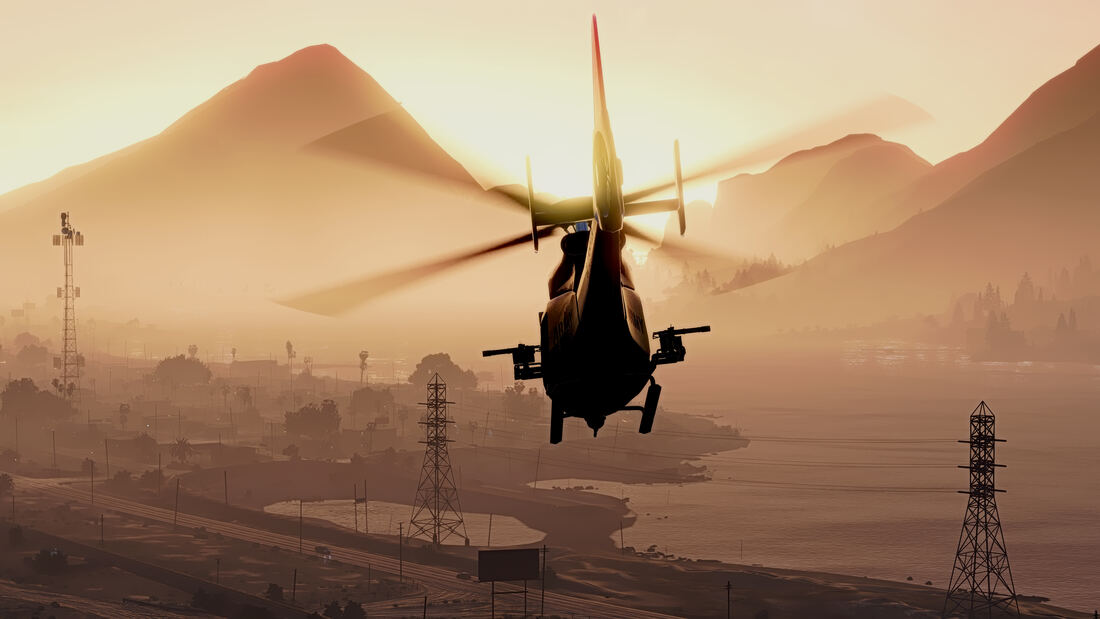
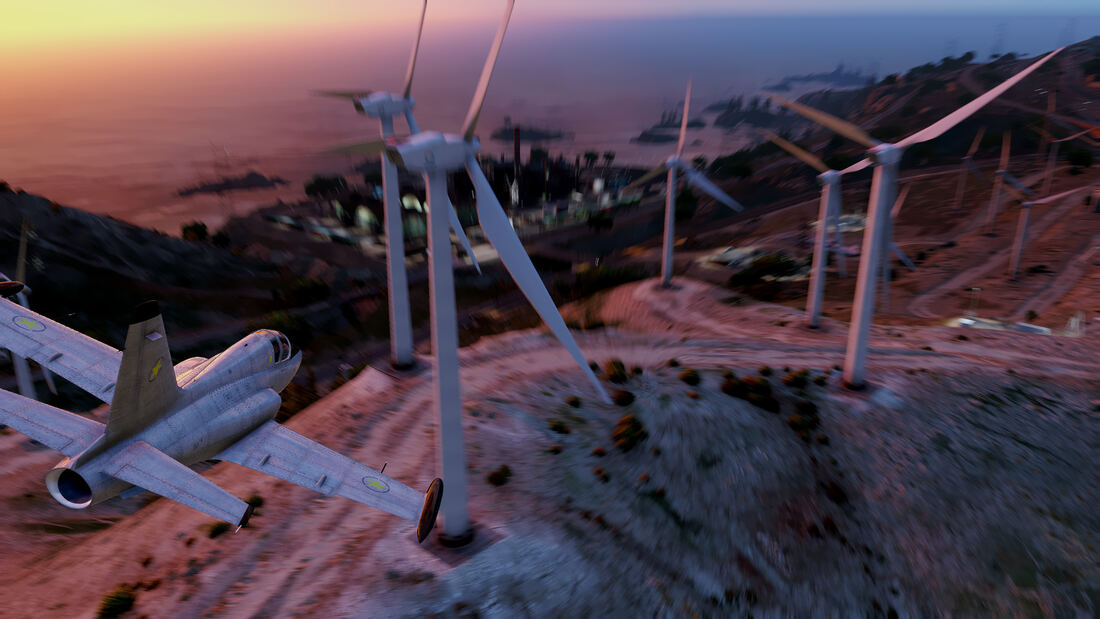
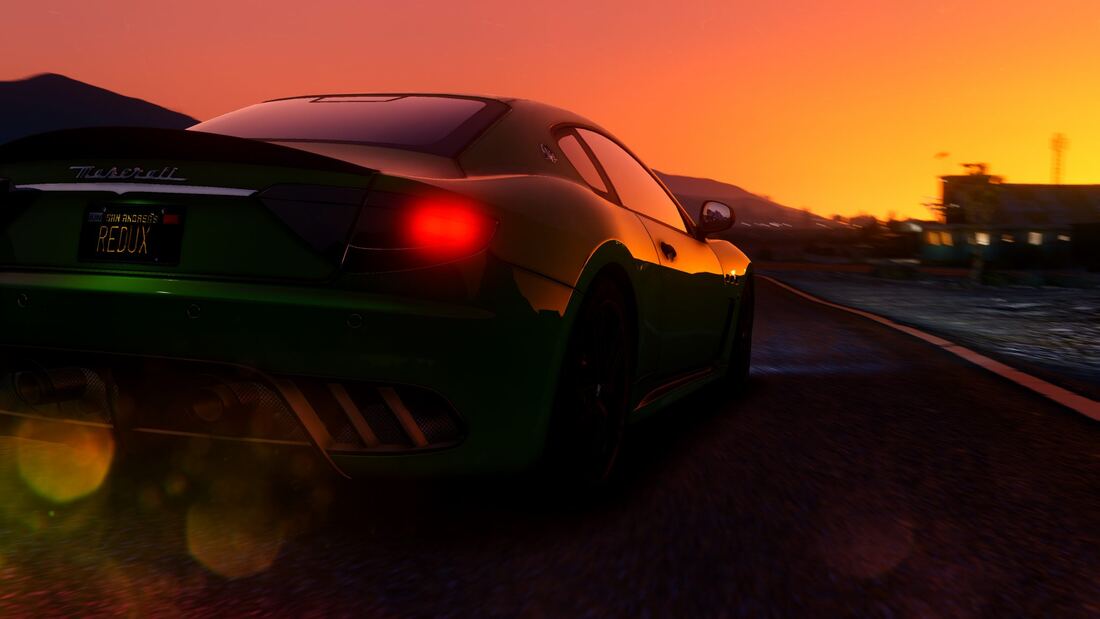
Sunset Patrol
Weather Effects
Sunset Patrol
Rebuilt atmospheric haze and volumetric lighting at sunset.
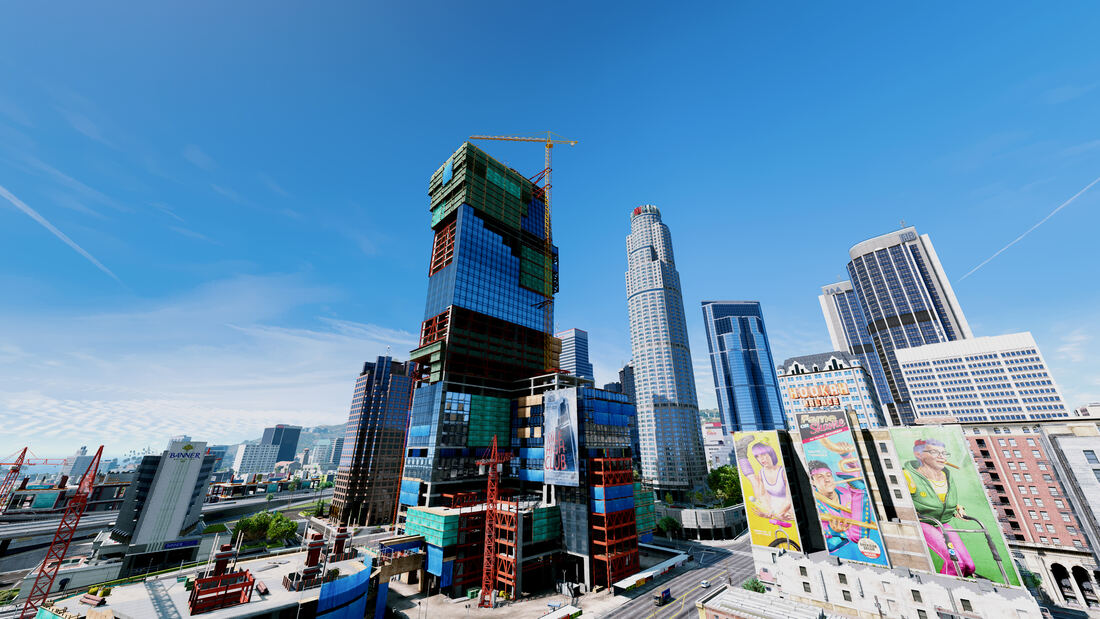
Downtown Los Santos
Textures Population
Downtown Los Santos
Rebuilt city textures and traffic density downtown.
Land Act Reservoir
Textures
Land Act Reservoir
Rebuilt terrain and industrial structure textures.
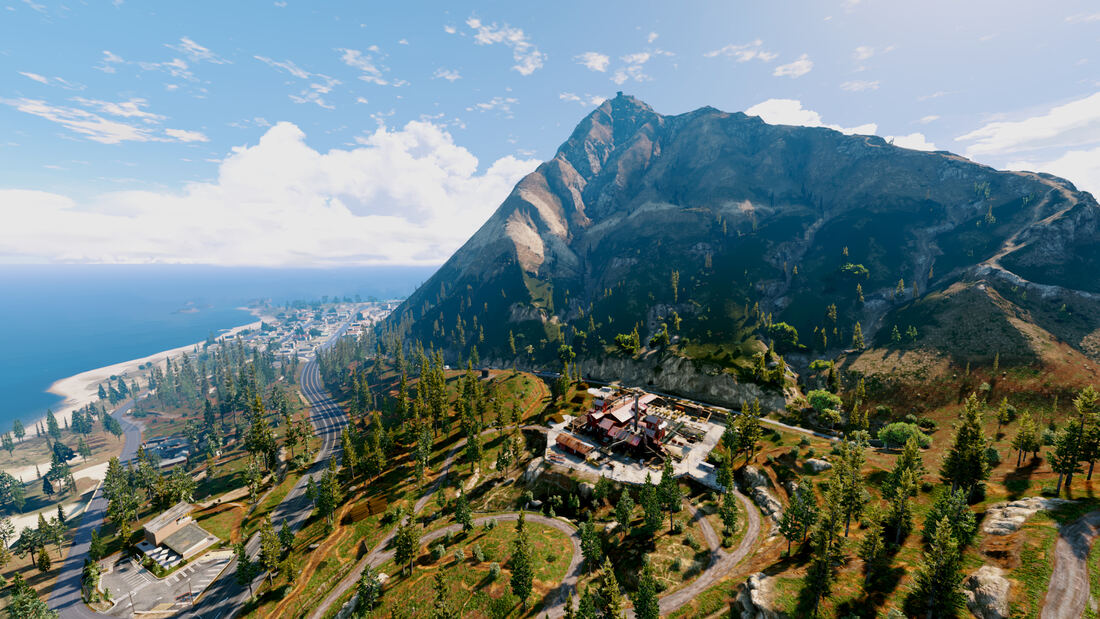
Vinewood Hills
Textures
Vinewood Hills
Rebuilt terrain, vegetation, and city textures from altitude.
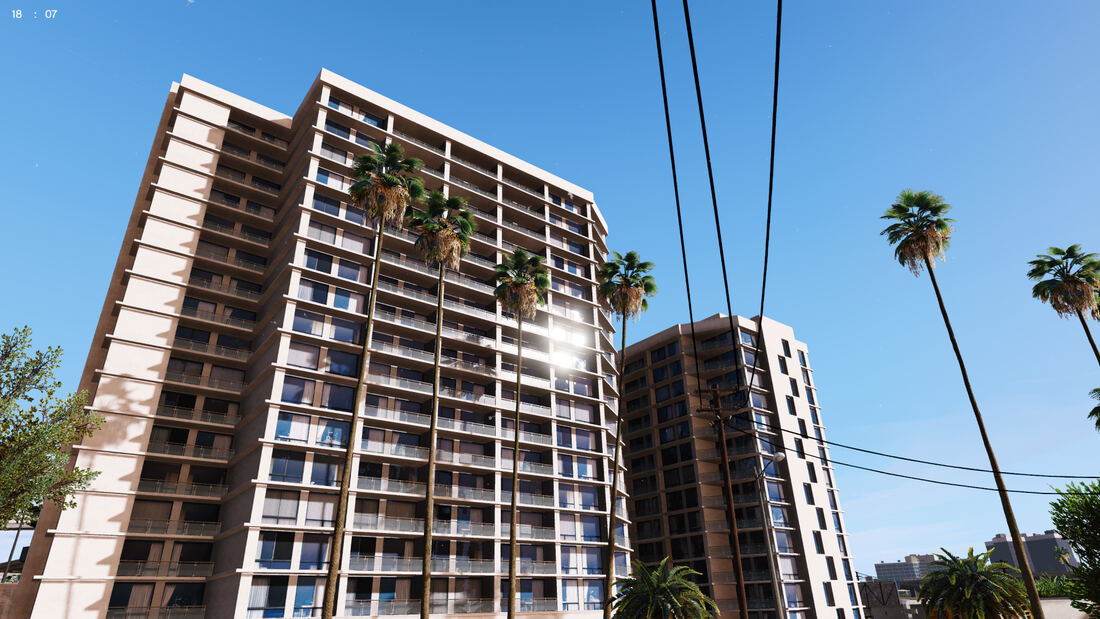
City Palms
Textures
City Palms
Rebuilt foliage and building textures downtown.
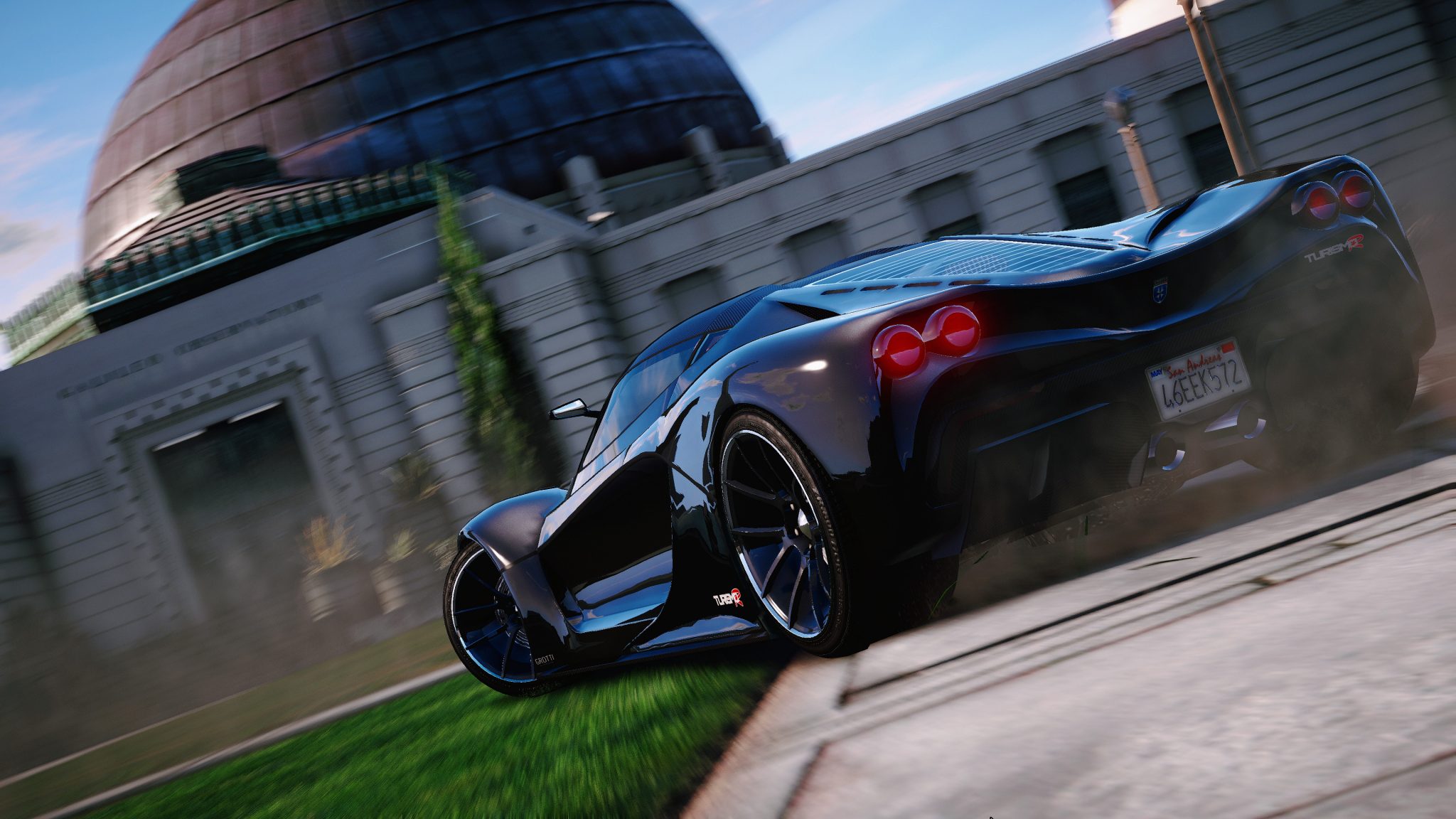
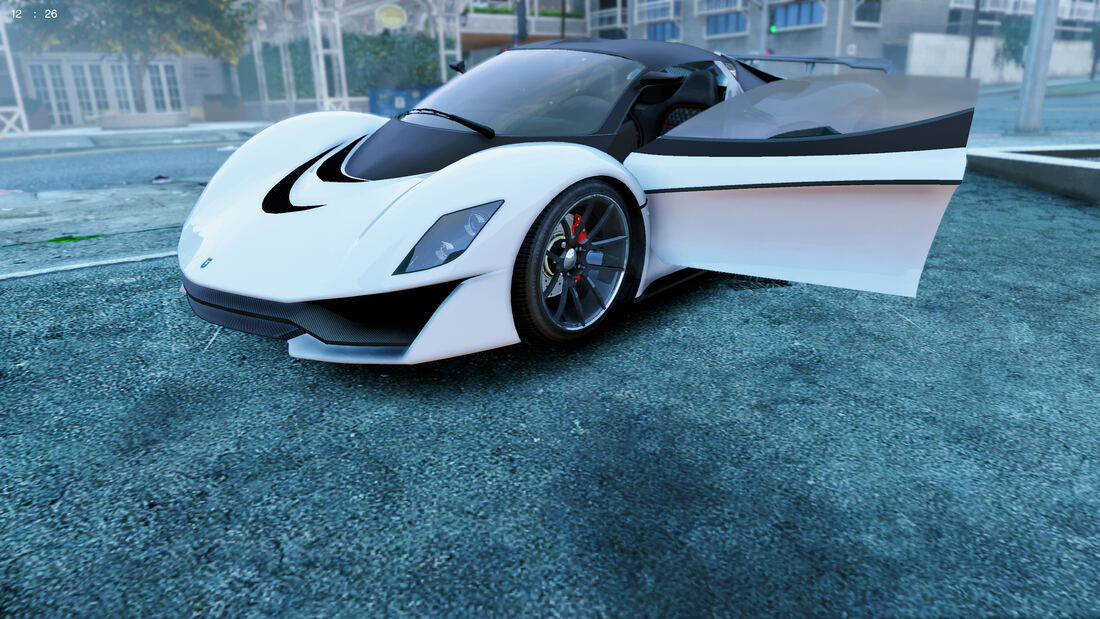
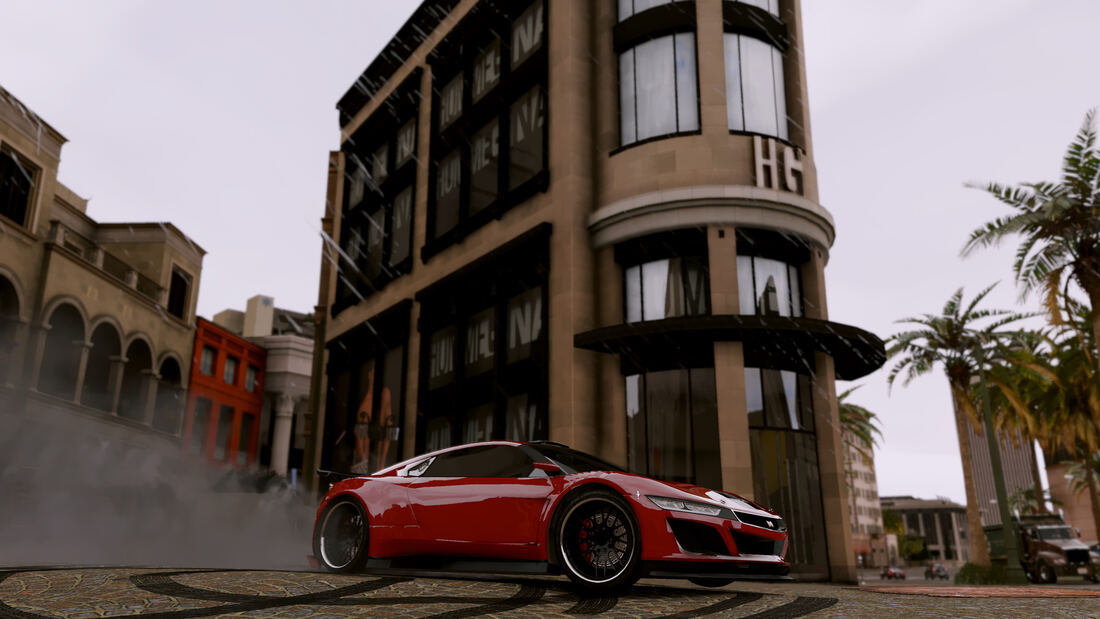
Studio Shine
Vehicles
Studio Shine
Reworked vehicle paint shaders and reflections.
Vinewood Plaza
Population Textures
Vinewood Plaza
Rebuilt street textures and reworked vehicle handling.
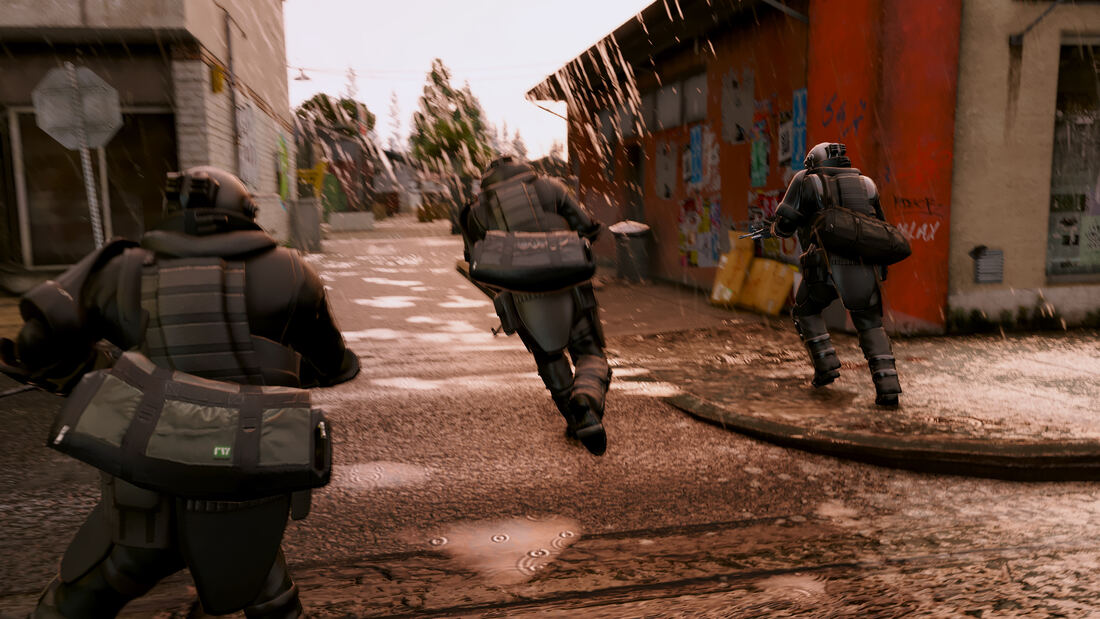
Tactical Response
Effects Population
Tactical Response
Reworked police AI and weapon effects.
European Quarter
Textures
European Quarter
Rebuilt building textures and lighting downtown.
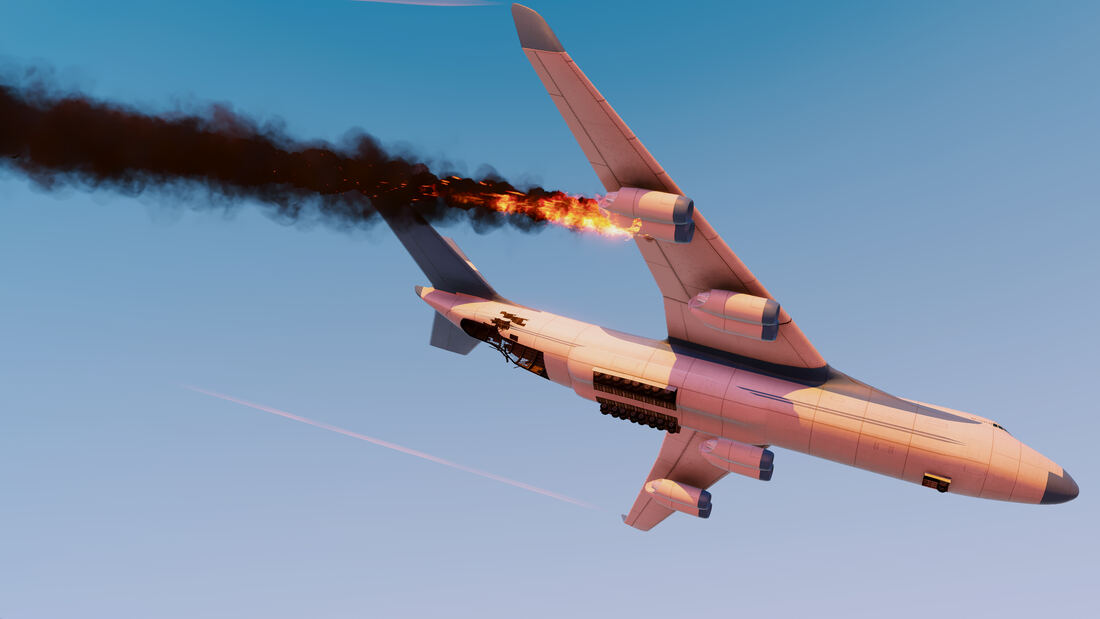
Afterburner
Effects
Afterburner
Rebuilt vehicle and aircraft effects.
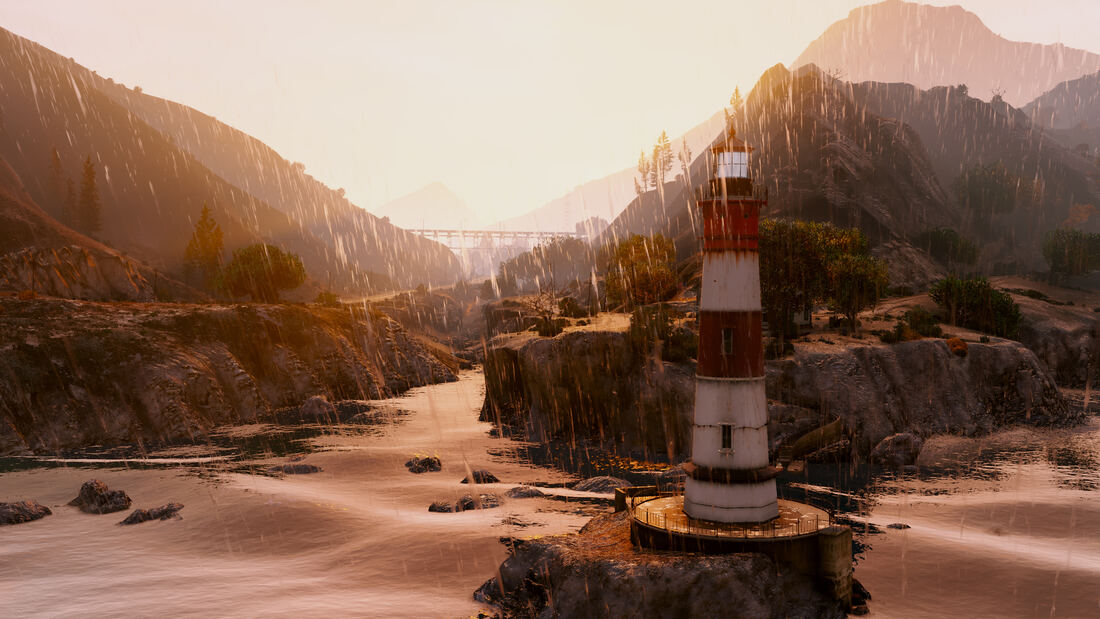
Del Perro Lighthouse
Weather Textures
Del Perro Lighthouse
Rebuilt rain effects and terrain textures at the coast.
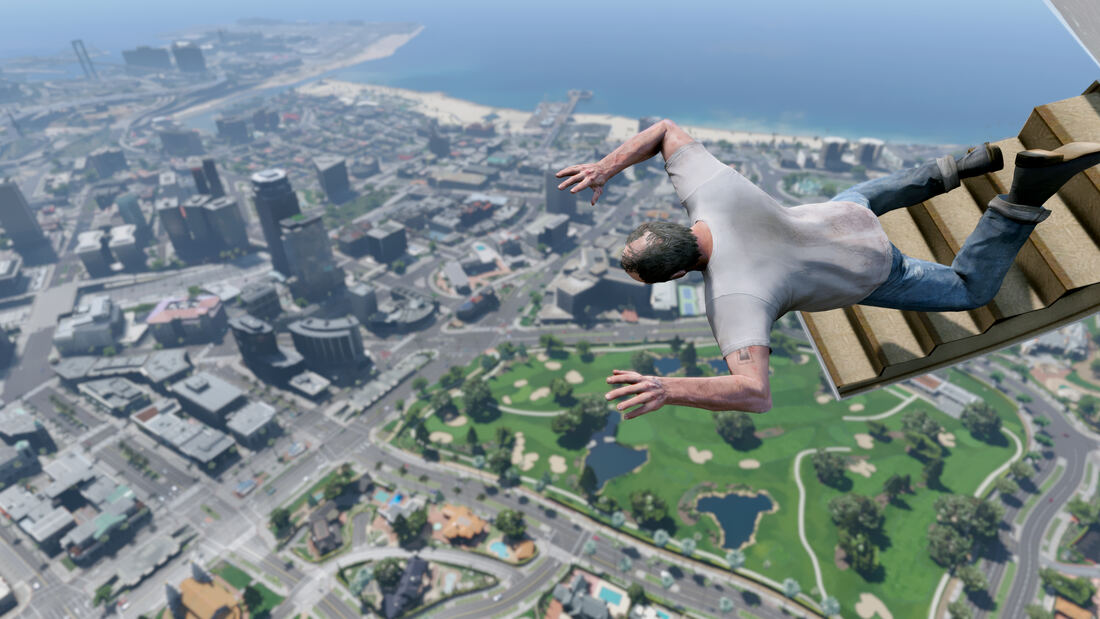
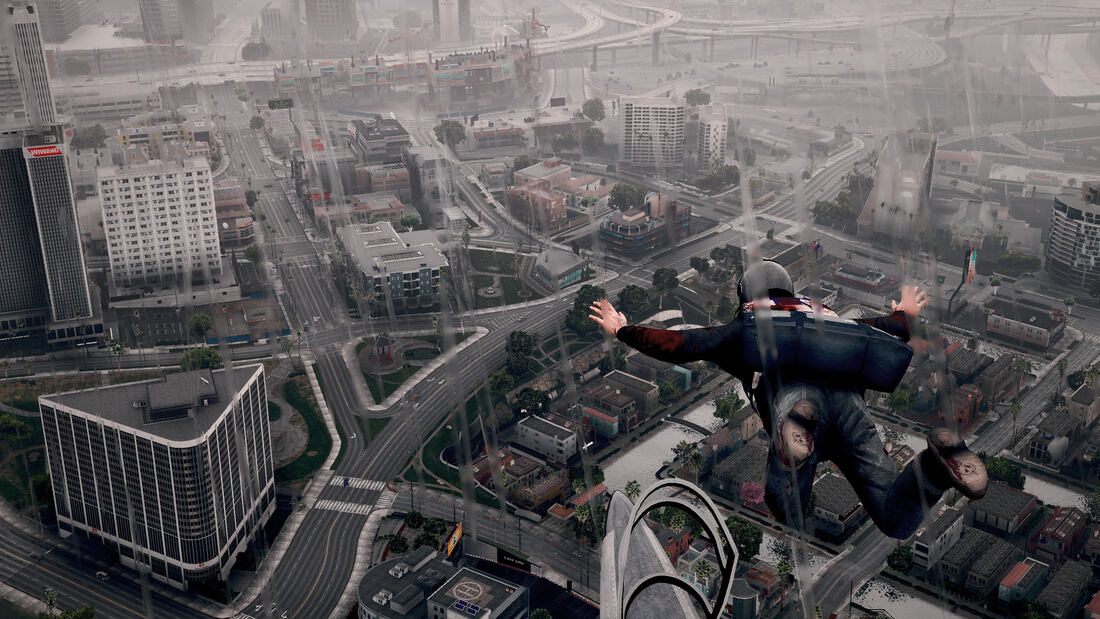
Freefall
Effects
Freefall
Rebuilt atmospheric haze over the city, shown with a different ReShade preset.
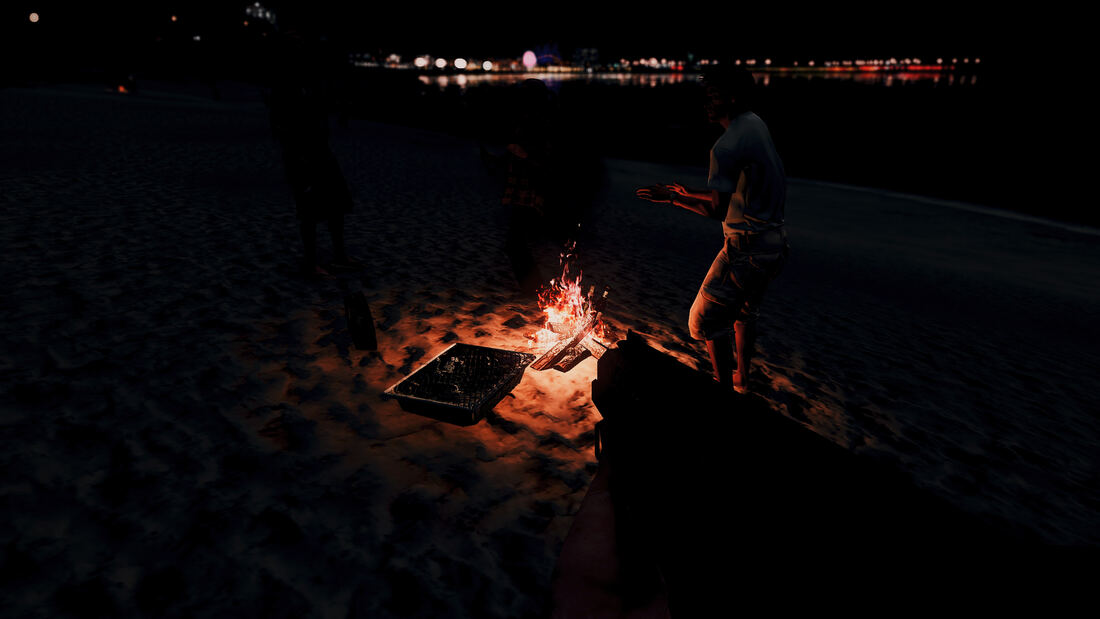
Beachside Campfire
Effects Weather
Beachside Campfire
Rebuilt fire and night lighting effects.
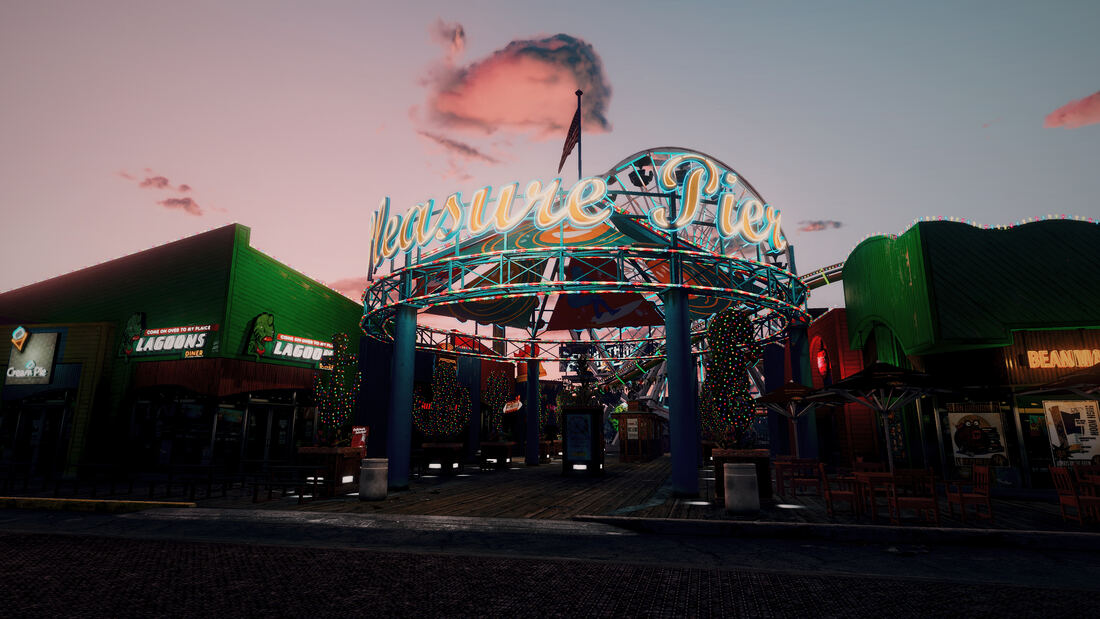
Del Perro Pier
Population Effects
Del Perro Pier
Rebuilt lighting and population density at the pier.
Street Presence
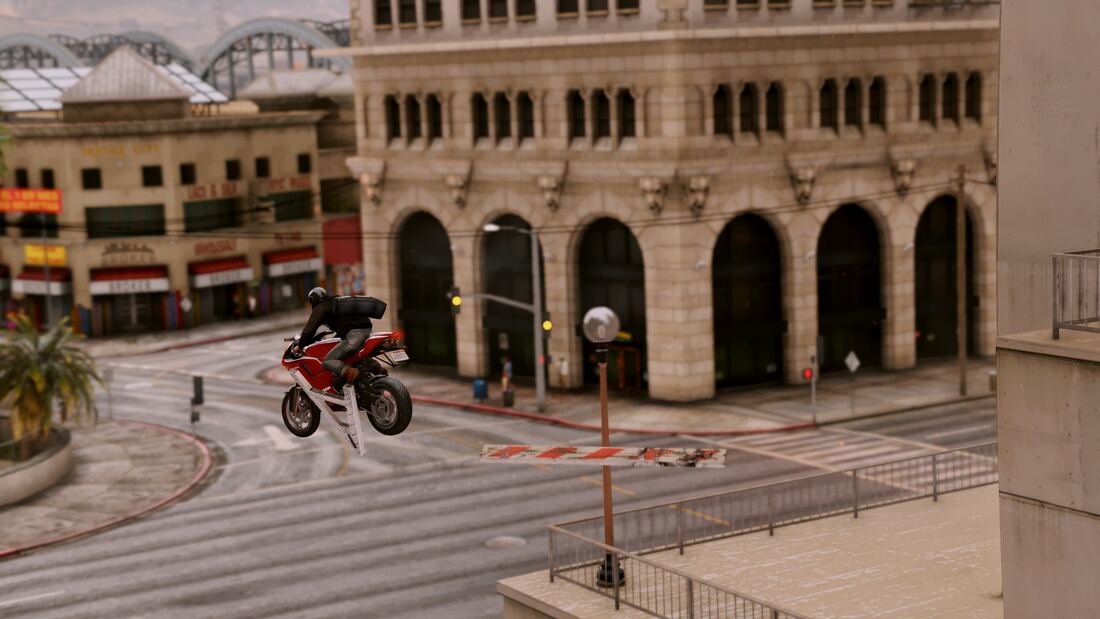
Vehicles
Street Presence
Reworked vehicle handling and physics.
Golden Hour Drive
Weather Vehicles
Golden Hour Drive
Rebuilt sunset lighting and vehicle shaders.
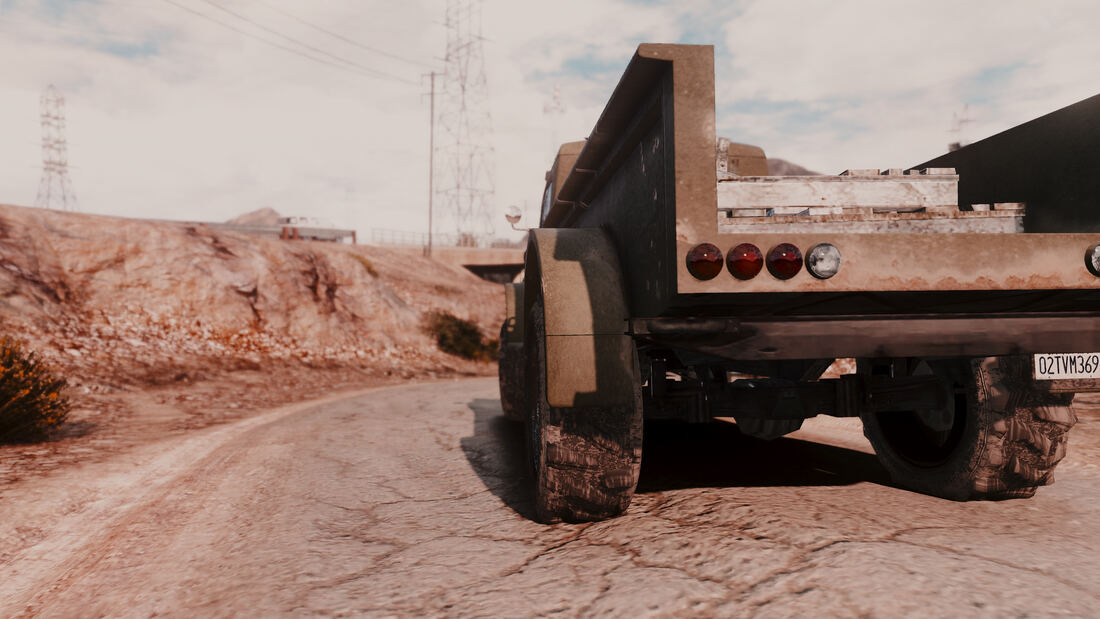
Heavy Duty
Textures Vehicles
Heavy Duty
Rebuilt vehicle textures and detailing.
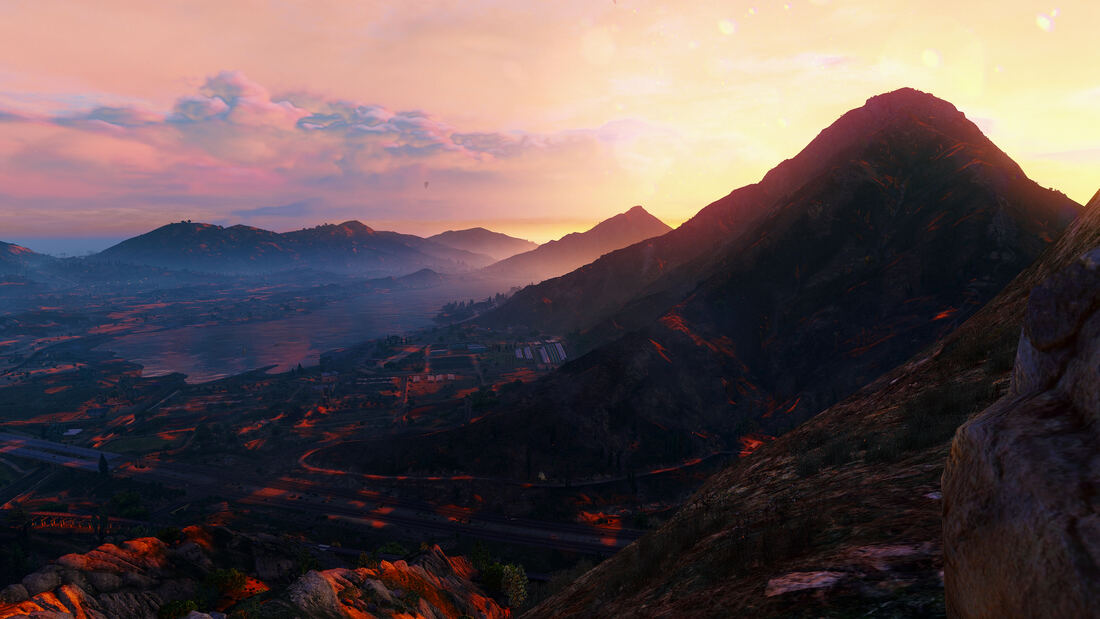
Mount Chiliad at Dusk
Weather
Mount Chiliad at Dusk
Rebuilt atmospheric lighting and cloud effects.
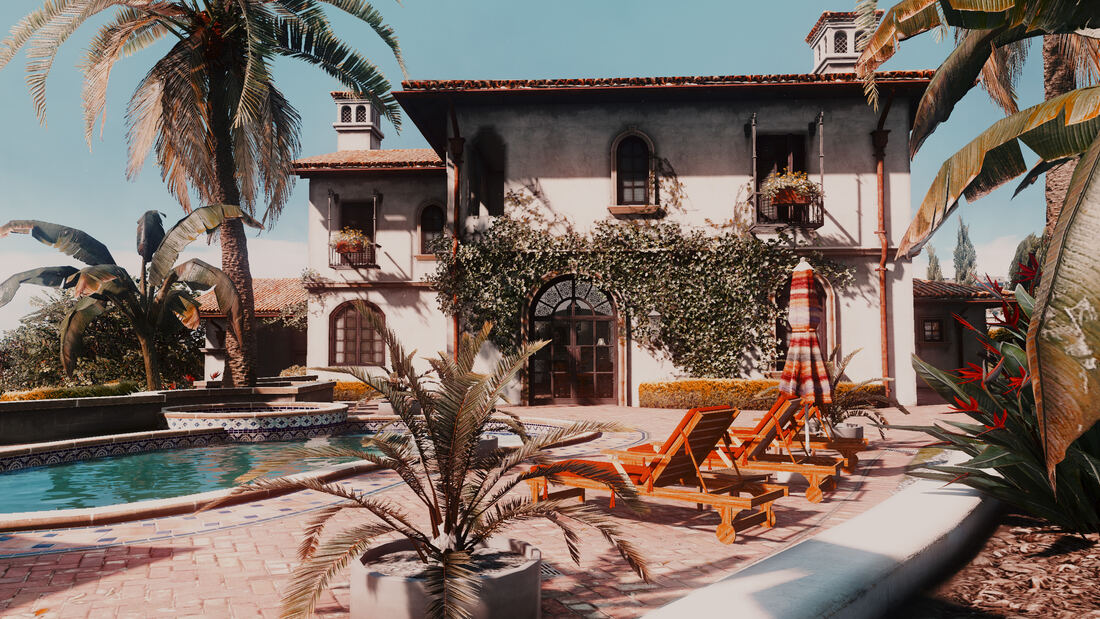
Vinewood Estate
Population Textures
Vinewood Estate
Rebuilt building and landscaping textures.
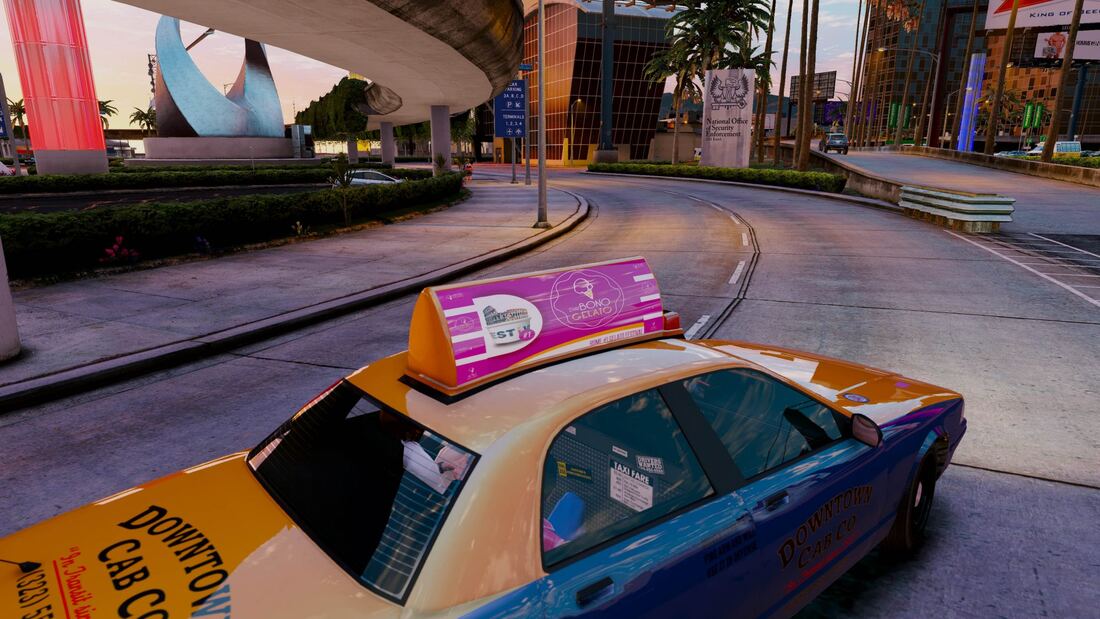
Cab Chase
Vehicles Population
Cab Chase
Reworked vehicle handling and traffic AI.
Dusk Pursuit
Vehicles Weather
Dusk Pursuit
Reworked vehicle handling and dusk lighting.

Installation

This is a step-by-step guide to installing GTA 5 Redux. Follow the steps in order, starting from a fresh, unmodded copy of GTA V.

Skipping steps or installing out of order is the most common cause of install issues - follow all of them, in order.

Before You Start

  • A legitimate copy of Grand Theft Auto 5 Legacy (Steam or Rockstar Warehouse - pirated copies are not supported)
  • OpenIV installed
  • BattlEye disabled for Story Mode (see the ASI Loader step below - required, or the game won’t load mods)
  • A minimum of 70GB extra disk space available
  • A PC that can comfortably run GTA 5 vanilla at a decent FPS
GTA 5 Redux only works with the Legacy version of GTA 5, not Rockstar’s 2025 Enhanced Edition re-release - OpenIV does not support Enhanced.
GTA 5 Redux is installed into a mods folder, separate from your original game files, so you can still access GTA Online and uninstall it cleanly.
GTA 5 Redux improves graphics, so expect a frame drop of around 5-15 FPS compared to vanilla (depending on the ReShade preset selected).
1

Install OpenIV

OpenIV is the tool used to install GTA 5 Redux.

Download OpenIV

Download the latest version of OpenIV, then run the installer.

OpenIV installer

Start OpenIV

Open OpenIV and select Grand Theft Auto V Windows.

OpenIV game selection

Select your GTA V install folder:

Rockstar Warehouse: C:\Program Files (x86)\Rockstar Games

Steam: C:\Program Files (x86)\Steam\steamapps\common\Grand Theft Auto V

Continue to the end of the wizard.

OpenIV select GTA V folder

Install ASI

The ASI Loader lets custom mods load into GTA V, and creates the mods folder that Redux installs into.

Click Tools > ASI Manager, then install ASI Loader and OpenIV.ASI.

OpenIV ASI manager OpenIV ASI loader install

Disable BattlEye before you launch, or the game will refuse to load mods.

The ASI Loader works by replacing dinput8.dll, a file Windows normally loads as part of DirectInput - that’s how it gets Redux’s mod files into the game. Rockstar’s BattlEye anti-cheat blocks this on sight. If you see a “BattlEye Launcher” window and a message like Blocked loading of file: "...dinput8.dll", that’s what’s happening.

Mods are only safe in Story Mode, never GTA Online. To turn BattlEye off for Story Mode, open the Rockstar Games Launcher, go to Settings, and disable BattlEye (or add -nobattleye to the game’s launch options) - then launch Story Mode specifically, not “Grand Theft Auto Online”.

Before you ever go back online, re-enable BattlEye and remove dinput8.dll and any other mod-loader files - taking modded content into GTA Online risks a ban.

2

Install GTA 5 Redux

Before you continue, make sure you have a 100% clean, un-modded install of GTA V.

Tip: You can verify your game files are unmodified using Steam’s verify integrity feature or the Rockstar Games Launcher’s verify option.

Download the latest version of GTA 5 Redux from the top of this page.

The Download v1.19 button gives you the .oiv file directly, ready to open - no extraction needed. If you used the GitHub Release page instead (split into several .7z.001, .7z.002, … parts), put every part in the same folder, then right-click the .7z.001 file and extract it to rebuild the .oiv.

Open OpenIV and select Tools > Package Installer.

OpenIV package installer

Locate the GTA5_REDUX_v1.X.oiv file you downloaded and open it to begin the installation.

Select the Redux OIV file

Click Install, and choose the option to install into the mods folder.

The installer will copy all the required files - this can take a while.

Once it’s done, you can launch GTA 5 Redux directly from the installer to test it. If everything installed correctly, you’ll see the GTA 5 Redux intro video when GTA V loads.

3

ReShade Installation

ReShade adds visual presets you can choose between to change GTA 5 Redux’s look. It’s optional - ReShade can occasionally cause crashes for some users, and GTA 5 Redux still works fine without it.

Download ReShade from the official website and run the installer.

Select Click here to select a game and manage its ReShade installation.

ReShade installer - select game

Click Browse..., then navigate to your Grand Theft Auto V folder and select GTA5.exe:

Select GTA5.exe

Rockstar Warehouse: C:\Program Files (x86)\Rockstar Games

Steam: C:\Program Files (x86)\Steam\steamapps\common\Grand Theft Auto V

Tick Legacy standard effects - the Redux ReShade presets need it, despite the checkbox’s own hint that it’s only for old presets.

ReShade installer - options ReShade installer - effects ReShade installer - download ReShade installer - finish ReShade installer - complete

Download the ReShade presets (a separate small download from the main mod).

Extract it, then copy the .ini files from the GTA_5_REDUX_RESHADE folder to your main GTA V folder.

Redux ReShade folder Redux filters Copy filters into GTA V folder
4

Choosing a ReShade Preset

ReShade presets are chosen from the in-game ReShade menu, which opens automatically when GTA V starts.

Press Home to bring up the preset drop-down and pick one.

Uninstall

To remove GTA 5 Redux, delete the mods folder in your GTA V folder.

Note: this also removes any other mods you have installed there.